Wallpapers

Embroidery for your screen

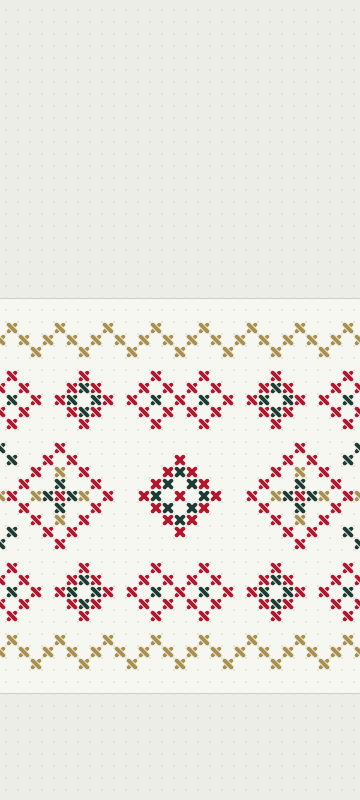
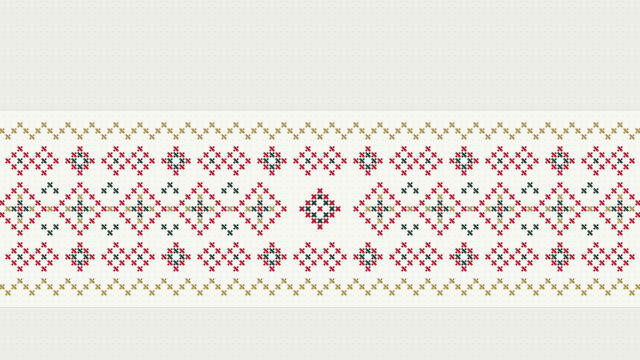
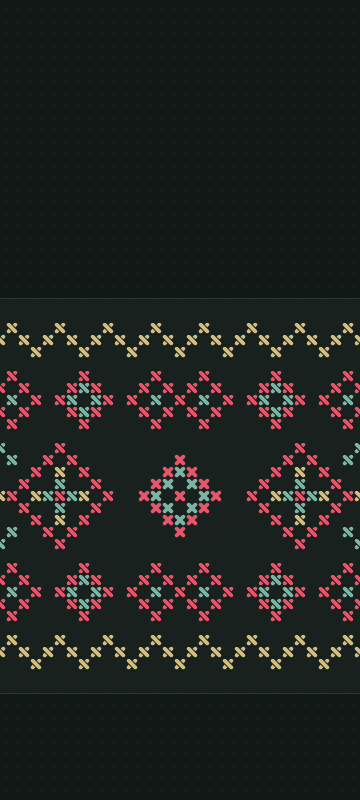
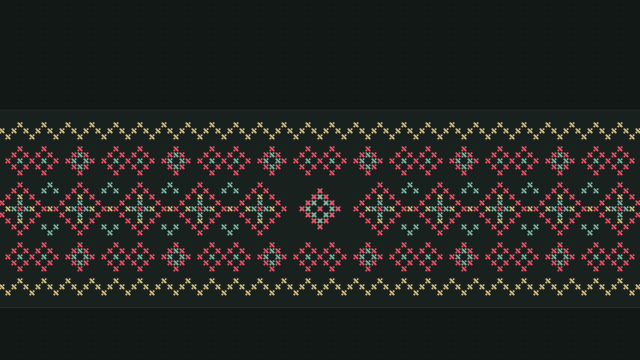
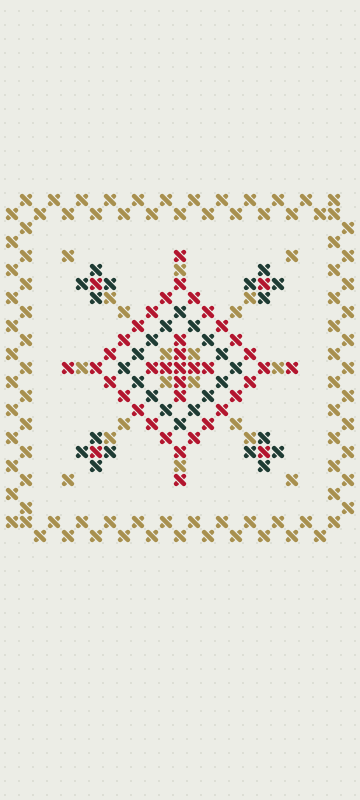
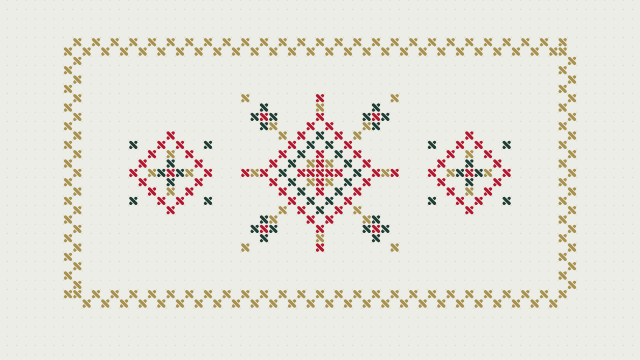
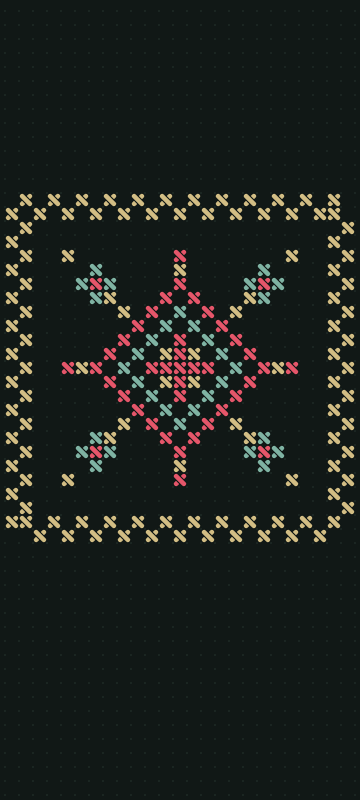
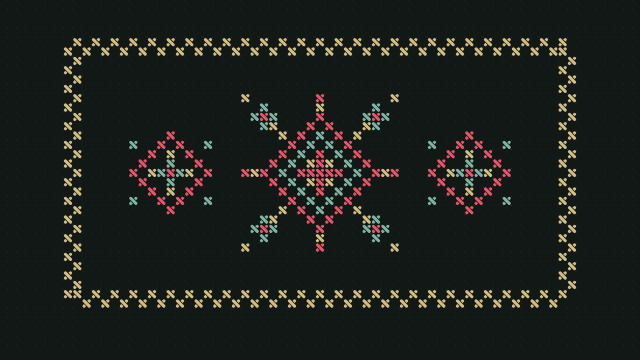
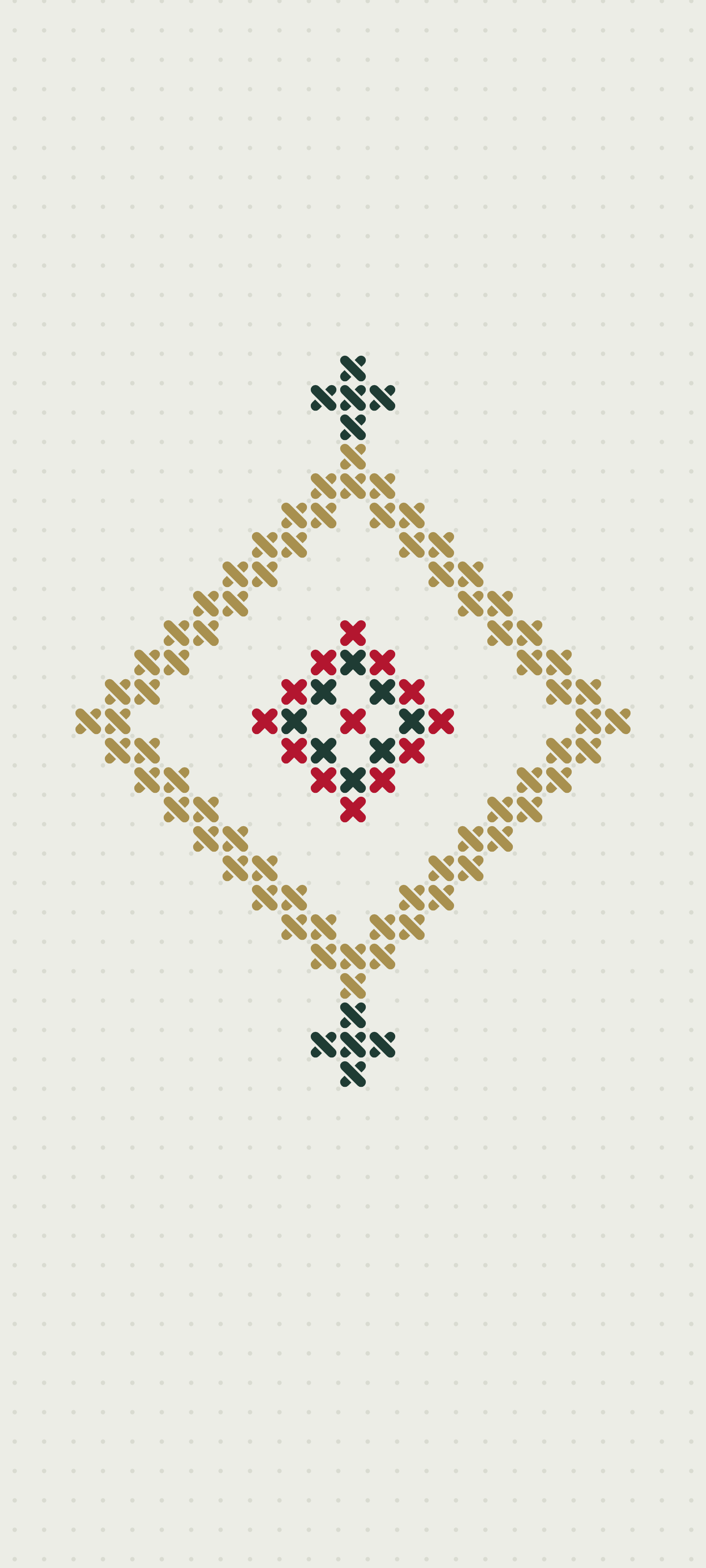
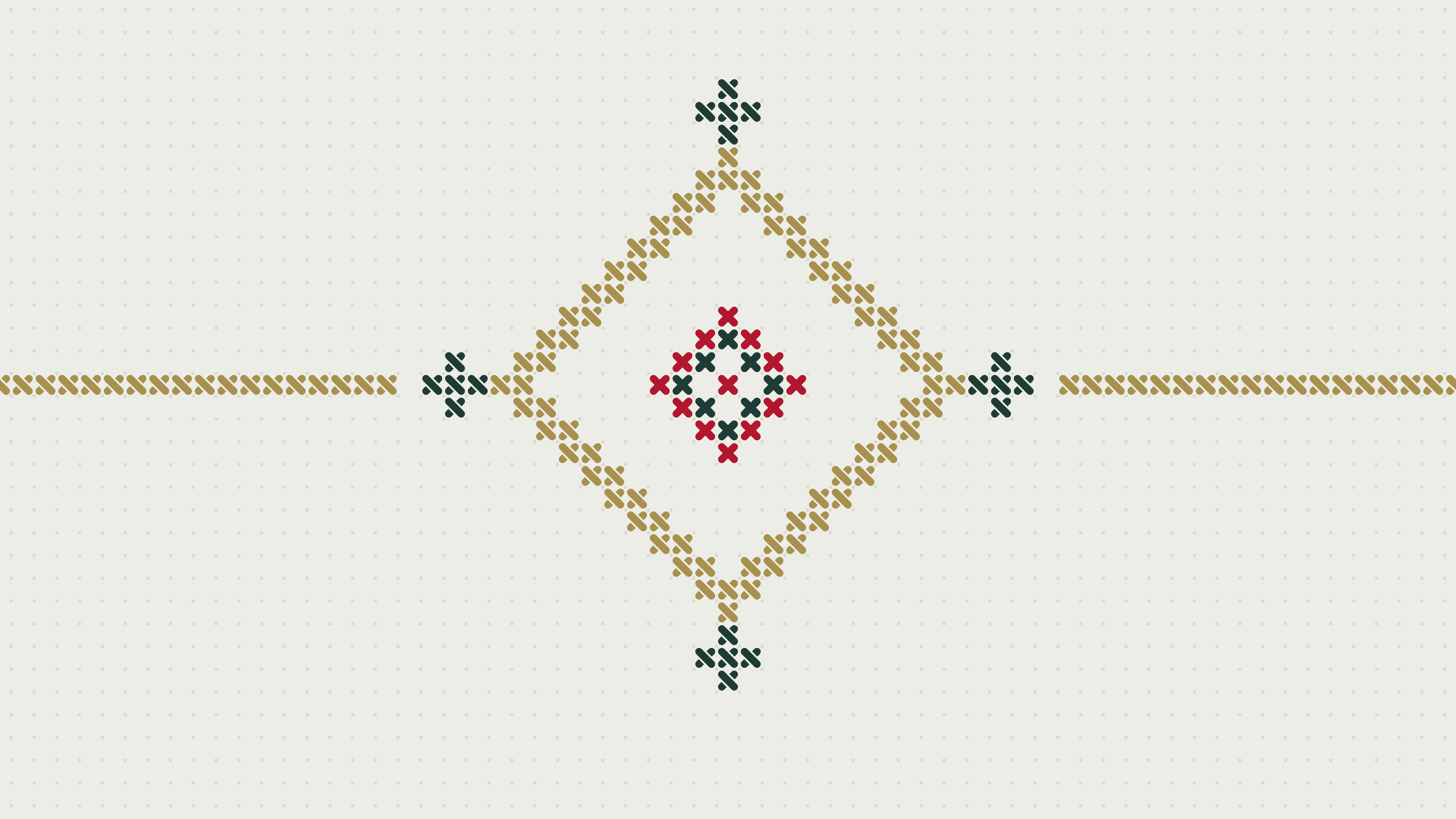
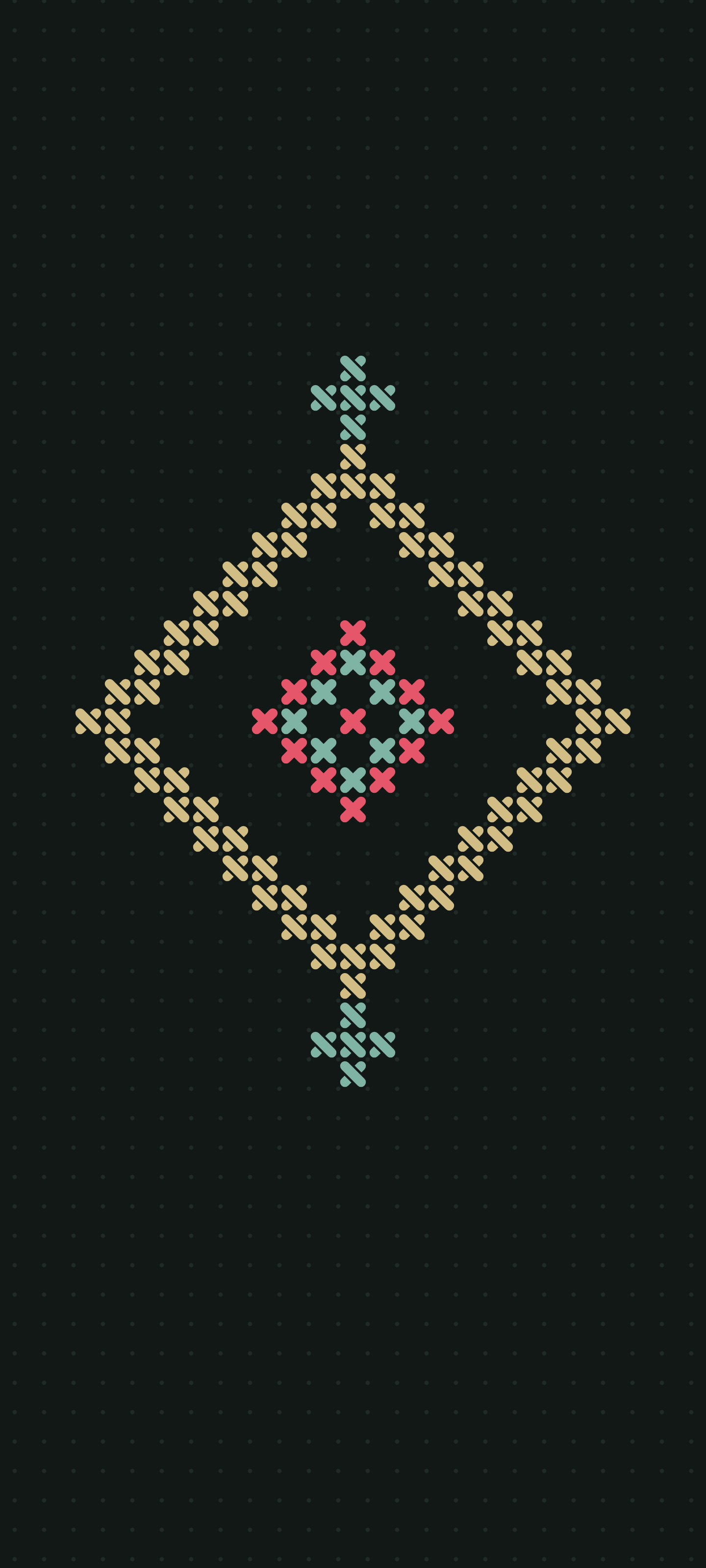
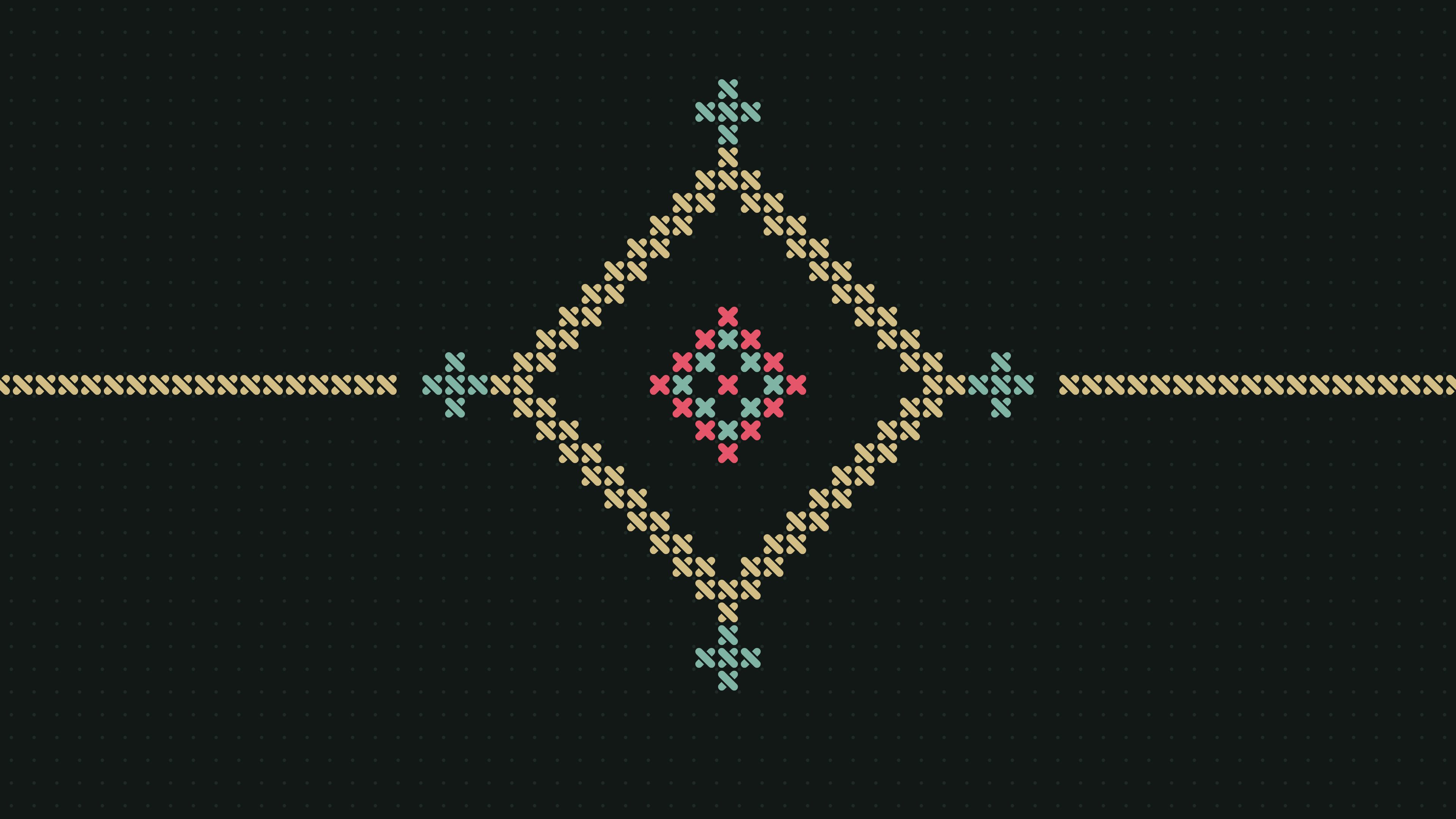
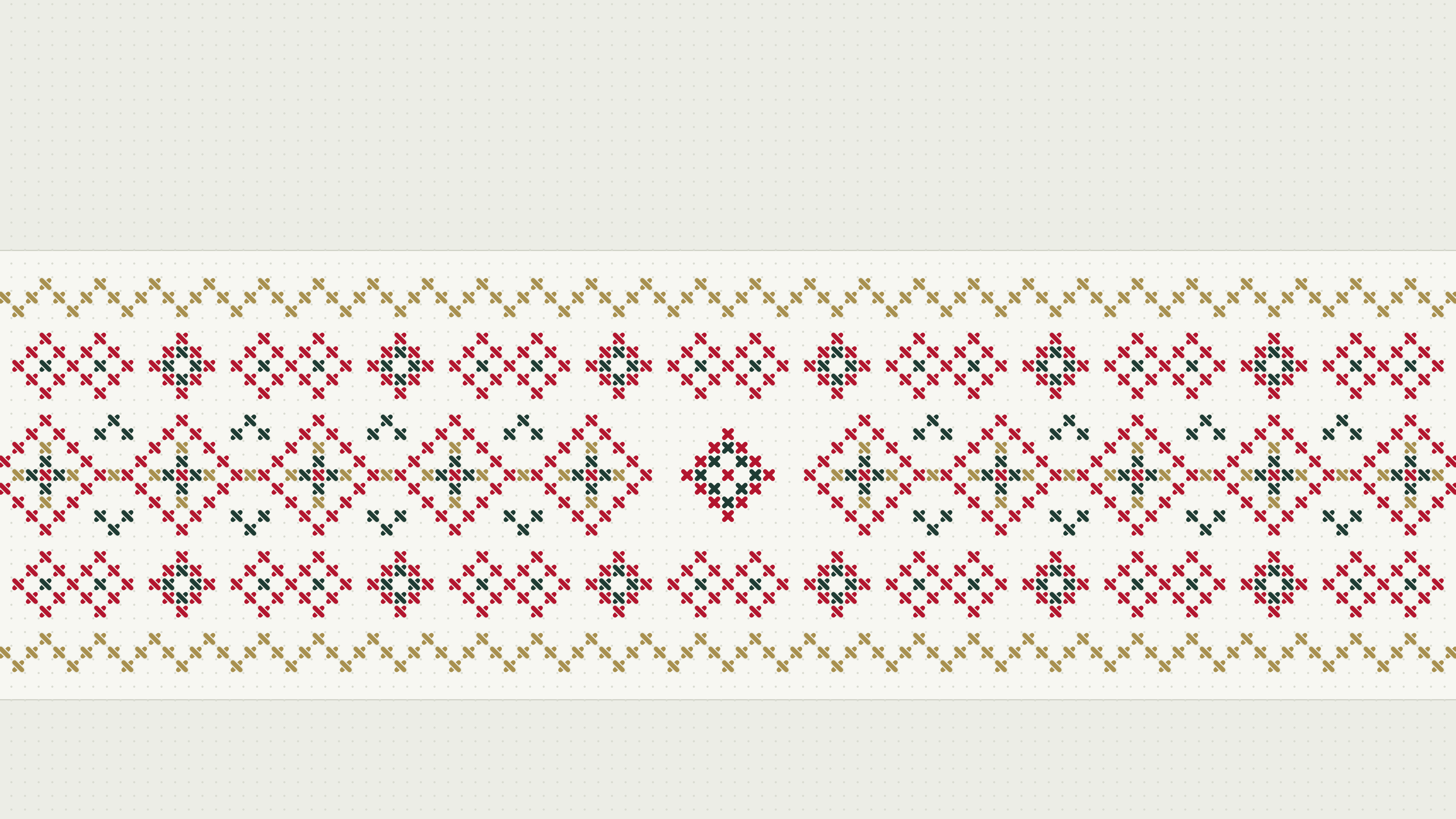
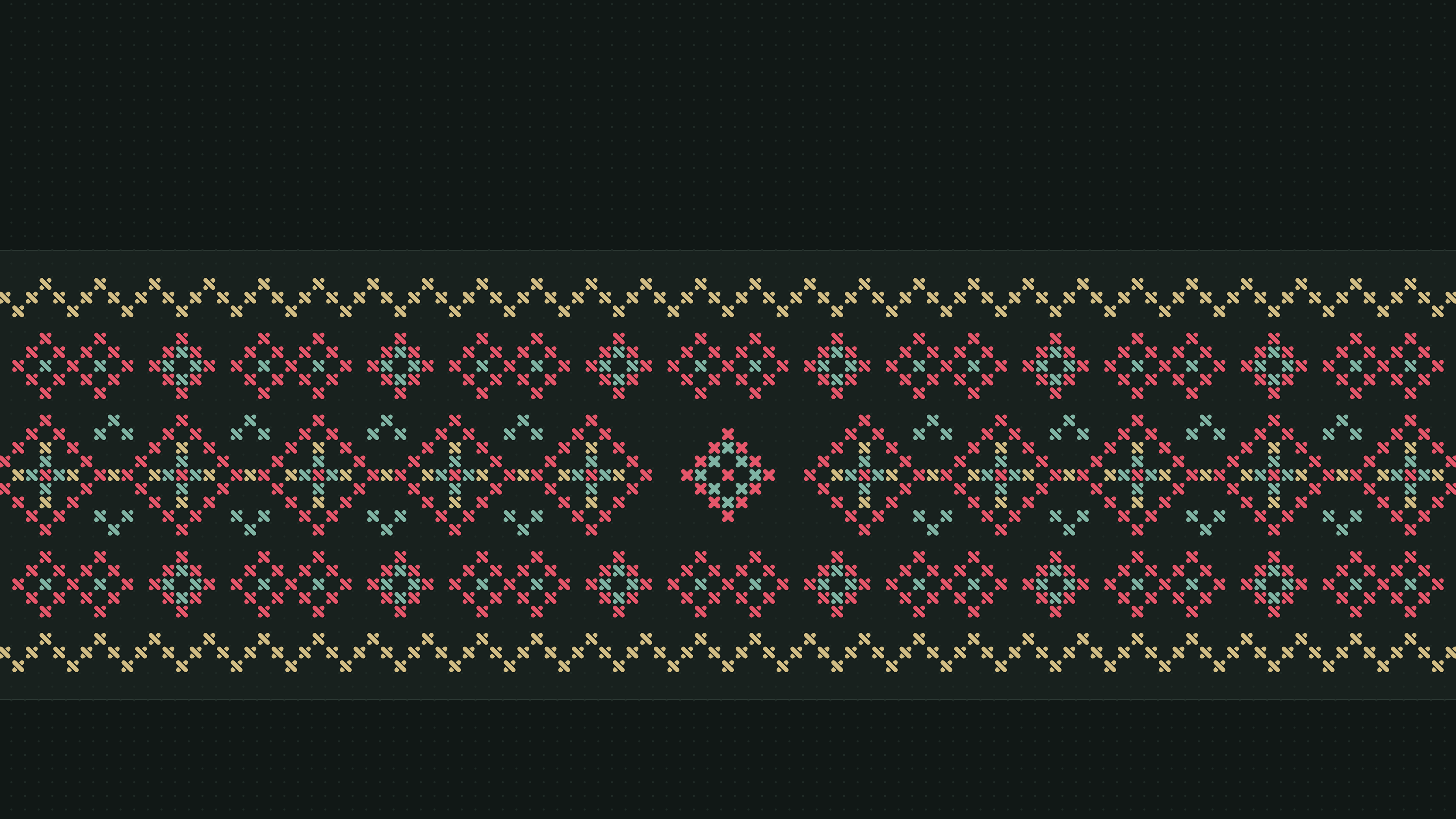
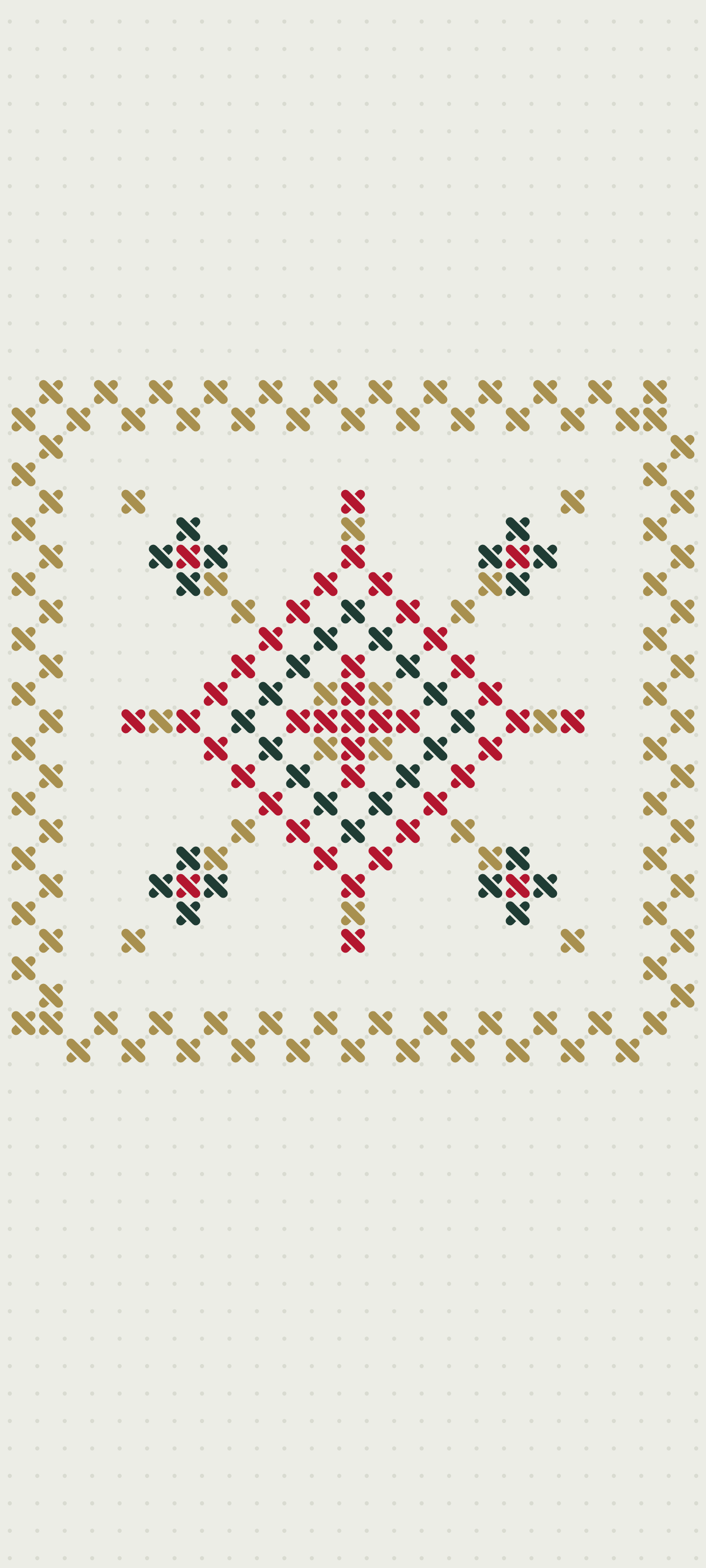
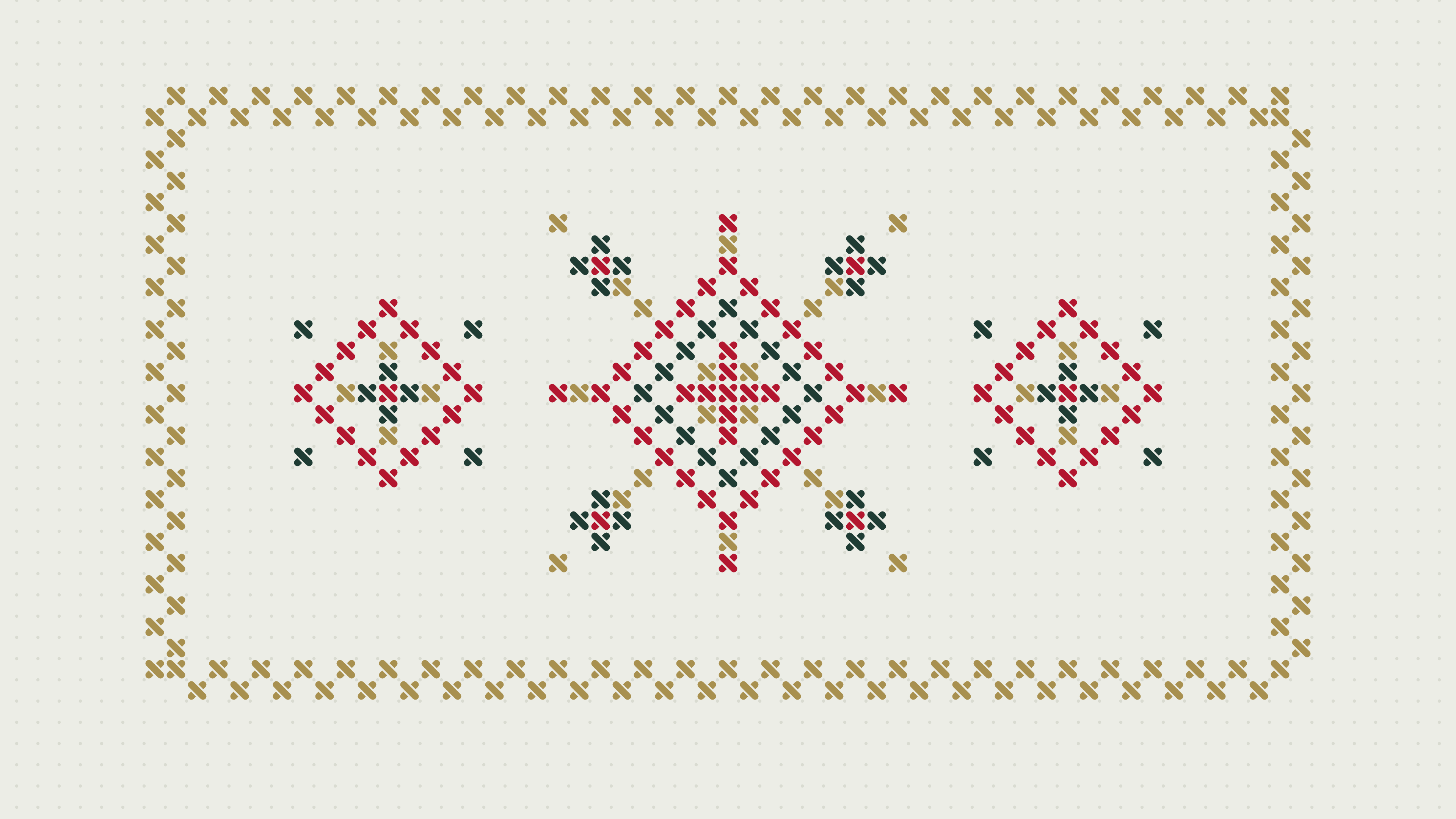
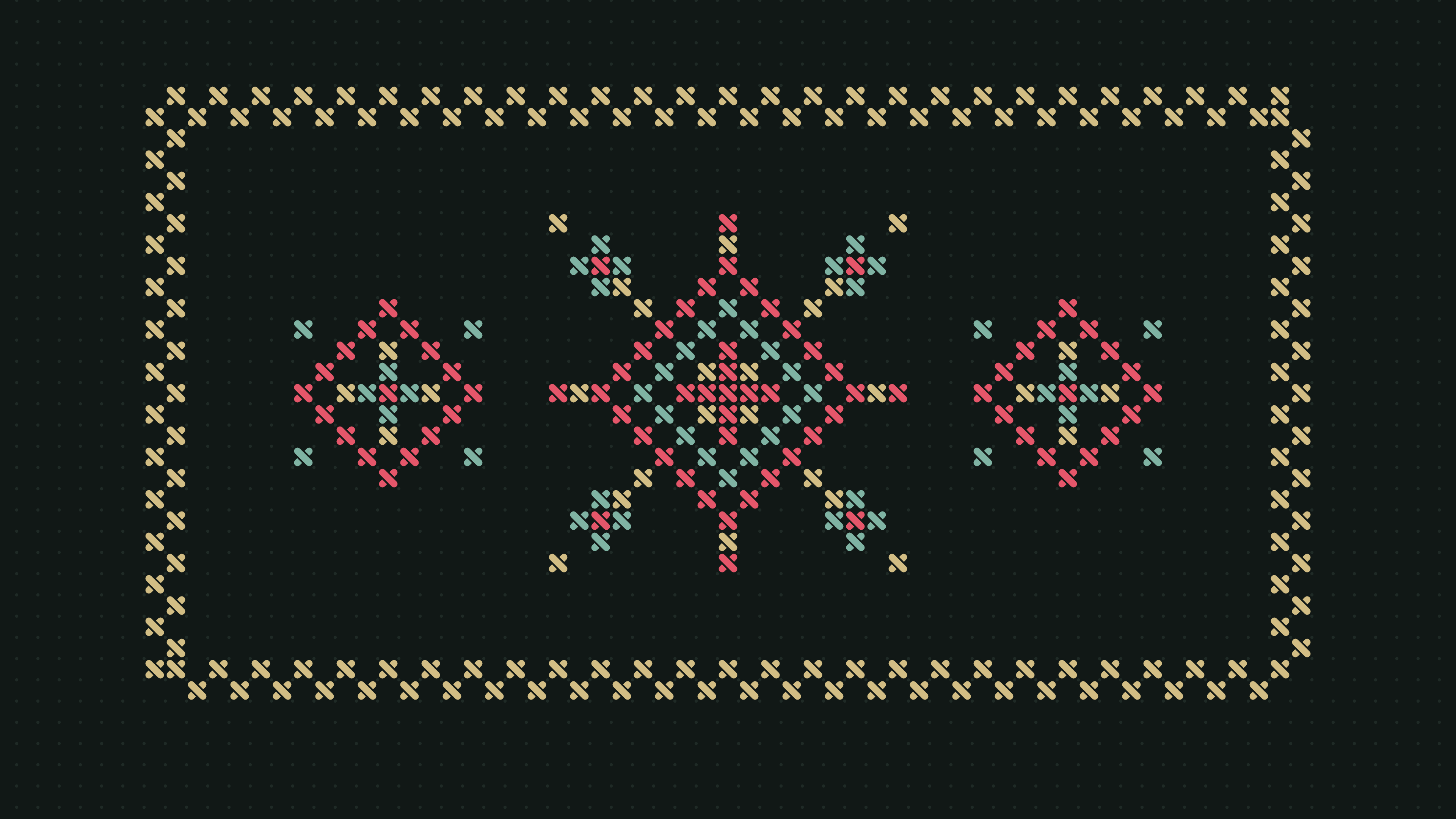
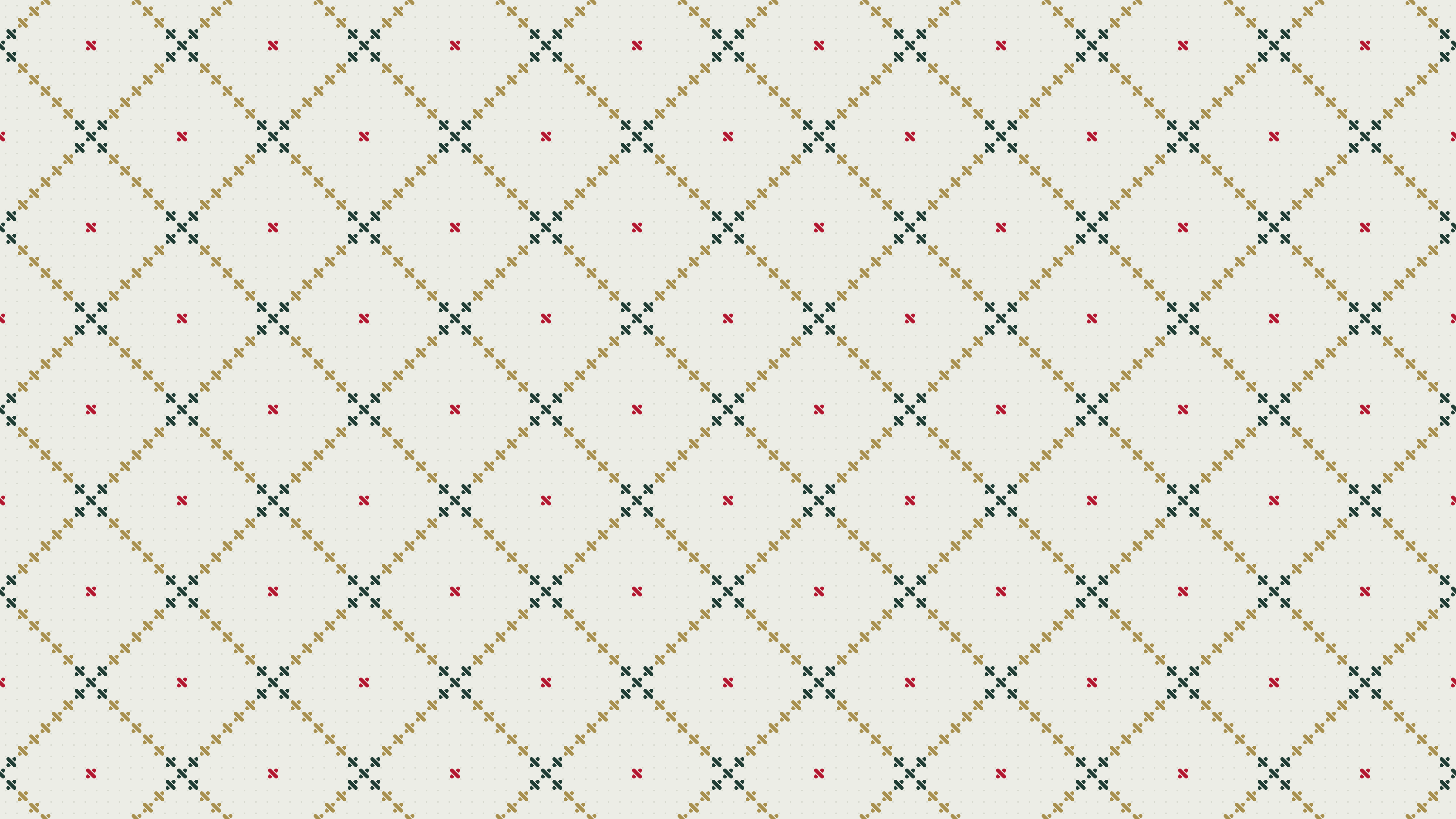
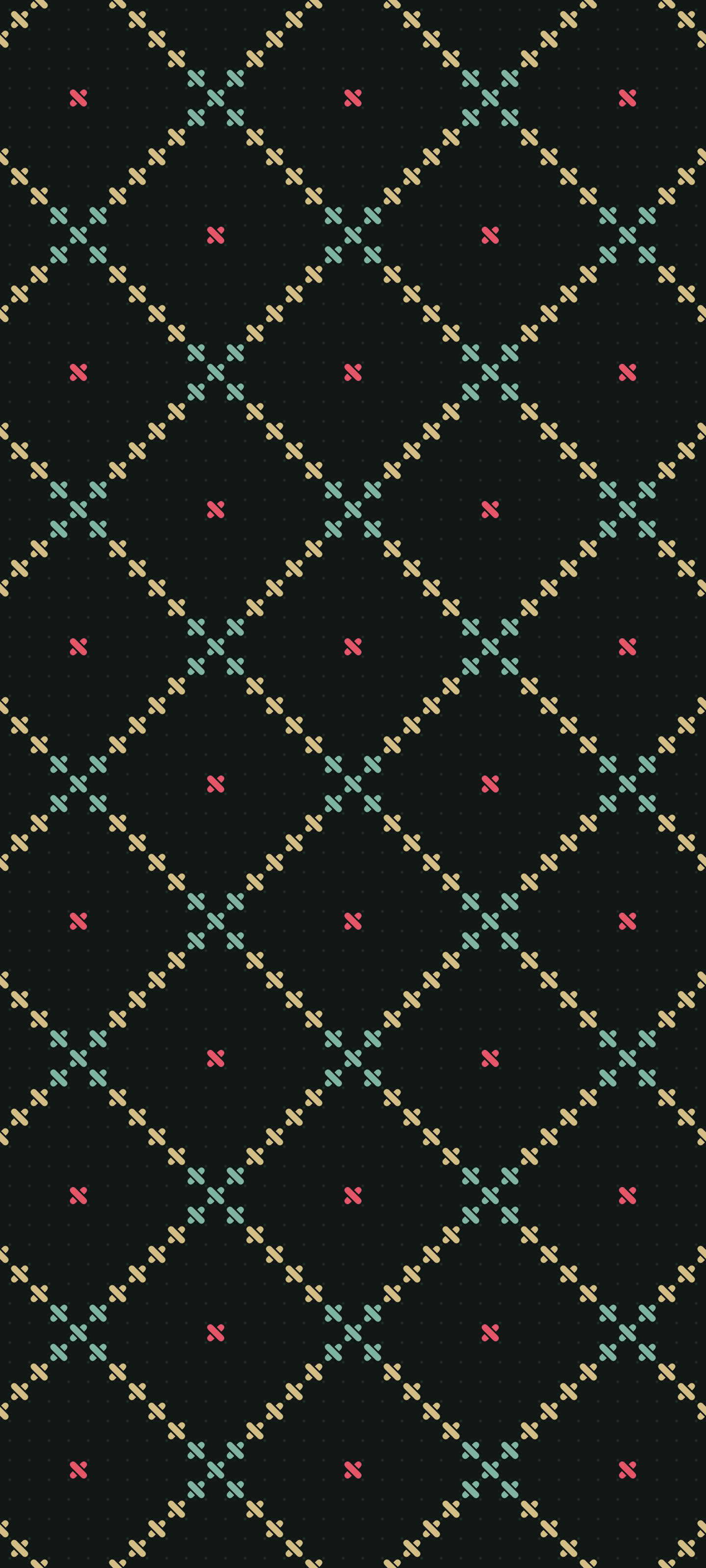
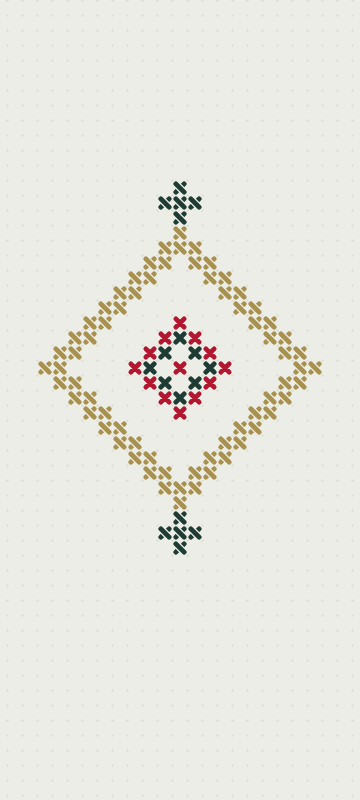
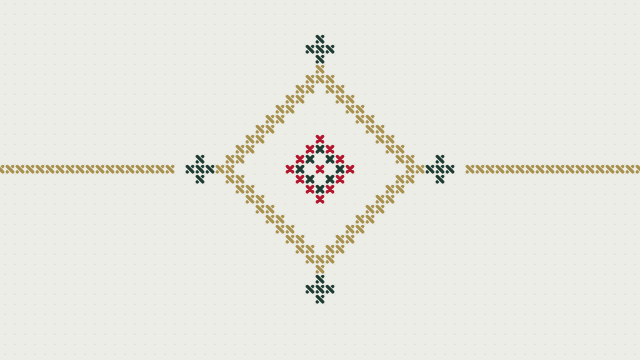
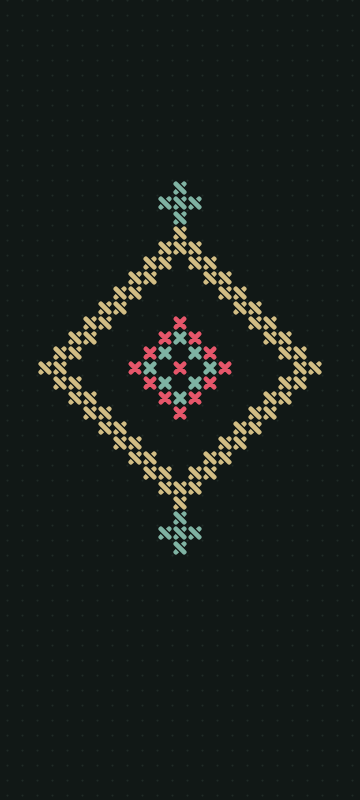
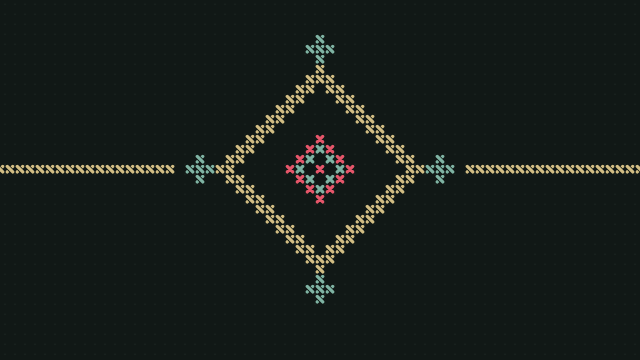
Four embroideries for phones and computers, each in a light and a dark version. The whole cloth is canvas: one cell size, two threads in every stitch, the top one lying over the bottom one. Drawn by code, no text. Free to download.

How to set them

  • Phone. Download the image, open it in your gallery and choose “Set as wallpaper” from the menu; the wording differs a little between phones. The main part of each picture sits in the middle of the screen: the top is left for the clock and status bar, the bottom for icons and the home bar.
  • Computer. The image is drawn at 4K size, every stitch crisp, and scales down cleanly to 2560 × 1440 and 1920 × 1080; the bottom of the screen is left for the taskbar. On Windows, right-click it and choose “Set as desktop background”; on macOS, go to System Settings → Wallpaper.

What you can do with them

Use them on your own phones and computers and share a link to this page. Printing the mark or the patterns on merchandise needs our consent: write to hello@gornitsa.games. The mark in SVG and how to handle it are in the brand book.